
How to Program Your Garage Door Remote | ACE Garage Door Repair San Diego, CA

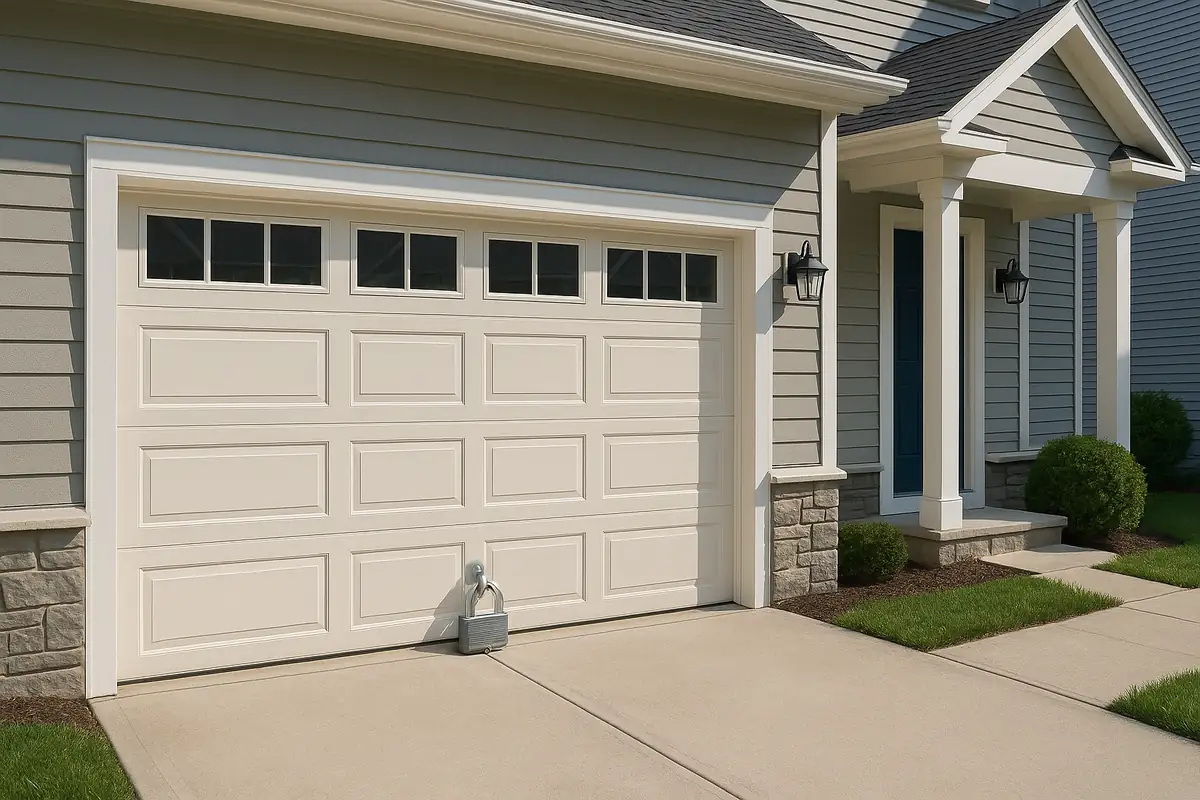
How to Program Your Garage Door Remote
If you own a garage door, having a reliable remote is essential for convenience and security. Programming your garage door remote may seem like a tedious task, but with the right instructions, it can be accomplished in no time. In this comprehensive guide from ACE Garage Door Repair in San Diego, CA, we’ll walk you through the steps to program your remote, troubleshoot common issues, and provide you with tips to enhance your garage door system's efficiency.
Understanding Garage Door Remotes
Before diving into programming, it’s important to understand the components and types of garage door remotes:
- Single-button remotes: These remotes are designed to open and close one specific garage door.
- Multi-button remotes: These can control multiple doors or additional features, such as lights or gates.
- Smart remotes: Connecting to your smartphone, these remotes allow for remote access and control from anywhere.
Why You Might Need to Reprogram Your Remote
There are several scenarios where reprogramming might become necessary:
- You’ve replaced your remote battery.
- Your remote has been lost or stolen.
- You’ve recently moved into a new home.
- The remote stops functioning properly.
Step-by-Step Guide to Programming Your Garage Door Remote
Let’s get started with the programming process. Follow these steps carefully:
Tools You May Need
- Your garage door remote
- Access to your garage door opener
- Step stool (if needed)
Step 1: Locate the Learn Button
On your garage door opener (usually mounted on the ceiling of your garage), find the Learn or Smart button. This is typically located on the back or side of the unit.
Step 2: Prepare Your Remote
Make sure your remote is within a few feet of the garage door opener for the most effective programming.
Step 3: Activate the Learn Mode
- Press the Learn button on the opener. You should see an LED light that turns on, indicating that programming mode is active.
- You typically have around 30 seconds to proceed to the next step.
Step 4: Program the Remote
- Press and hold the button on your remote that you want to use to open the garage door.
- Release the button when the lights on the opener blink or you hear a click. This indicates that the remote has been successfully programmed.
Step 5: Test the Remote
Close the garage door and test your remote. If it works, you’ve successfully programmed it!
Common Issues and Troubleshooting
Sometimes, programming may not go as planned. Here are some common issues and their solutions:
Remote Not Working
- Check the battery: A dead battery is the most common reason for a non-functional remote.
- Revisit the programming steps: It’s possible that a step was missed or not done correctly.
- Check for interference: Ensure there are no electronic devices nearby that could interfere with the signal.
LED Light Not Responding
If you don’t see the LED light activate when pressing the Learn button:
- Make sure the garage door opener is plugged in and receiving power.
- If the LED light is flashing, it may indicate a programming error.
Enhancing Your Garage Door Security
Programming your remote is not only about convenience but also security. Here are some tips to enhance your garage door security:
- Change codes regularly to prevent unauthorized access.
- Consider upgrading to a smart garage door opener for enhanced security features.
- Ensure that your remote is kept in a secure location.
Statistics on Garage Door Safety
According to the International Door Association, nearly 1 in 15 homes experience a garage door-related injury, highlighting the importance of proper maintenance and security protocols.
Conclusion: Get Help from ACE Garage Door Repair!
Programming your garage door remote should be a simple process with our guide. But if you encounter any issues or feel unsure, don’t hesitate to reach out for professional help! ACE Garage Door Repair in San Diego, CA, is here to assist you with all your garage door needs, from remote programming to complete system installation and repairs. Contact us today for a consultation and keep your garage secure and convenient!
Explore More Resources
Related Articles
Service Areas
We proudly serve San Diego, Tierrasanta, Kearny Mesa, Serra Mesa, Allied Gardens and more areas.
Our Services
Professional garage door repair, spring repair, opener installation and more. View all services →
Garage Door Security: Protecting Your Home with ACE Garage Door Repair in San Diego, CA
Garage Door Installation: What to Expect from ACE Garage Door Repair in San Diego, CA
